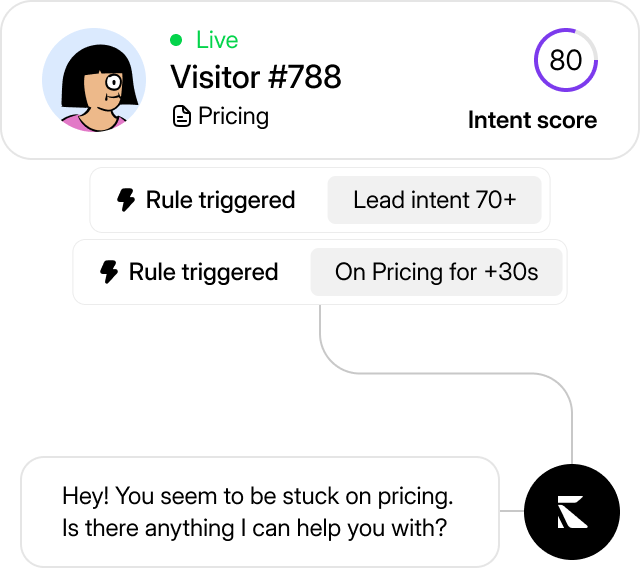
Proactive rules
Set rules & triggers that make the agent reach out to customers viewing your website live.
Add it to any site with one snippet. It answers visitors from your own docs with a citation, around the clock - and when a question needs a human, it hands the thread to your team instead of looping.
KalTalk's agent is easy to set up. No technical knowledge needed, and you do not need a complex tutorial.
It answers from your docs and clears routine tickets. It knows when to pull you in. And when visitor intent spikes, it can reach out first.
Set rules & triggers that make the agent reach out to customers viewing your website live.
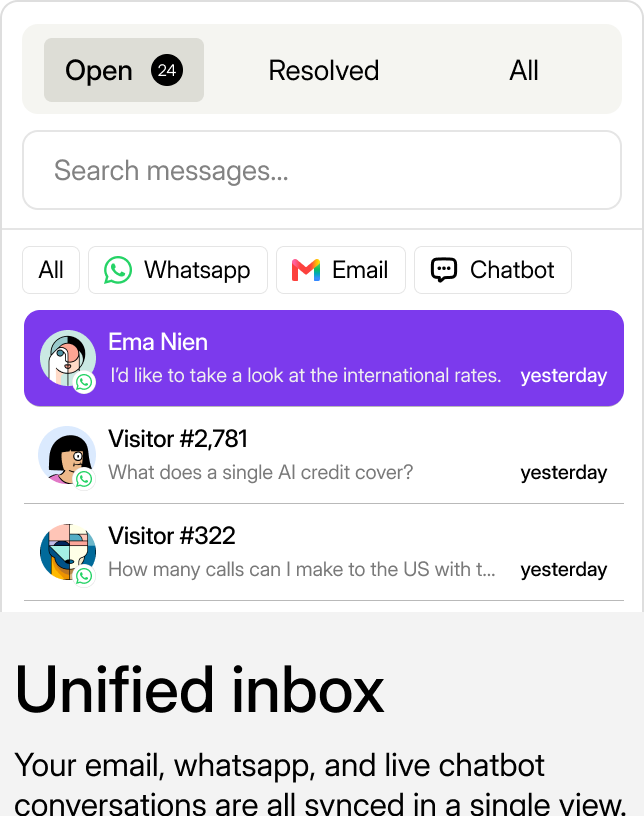
Your live chat, email, and WhatsApp conversations are all synced in a single view.
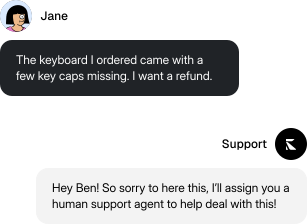
The agent hands off the conversation to a human when needed to ensure quality.
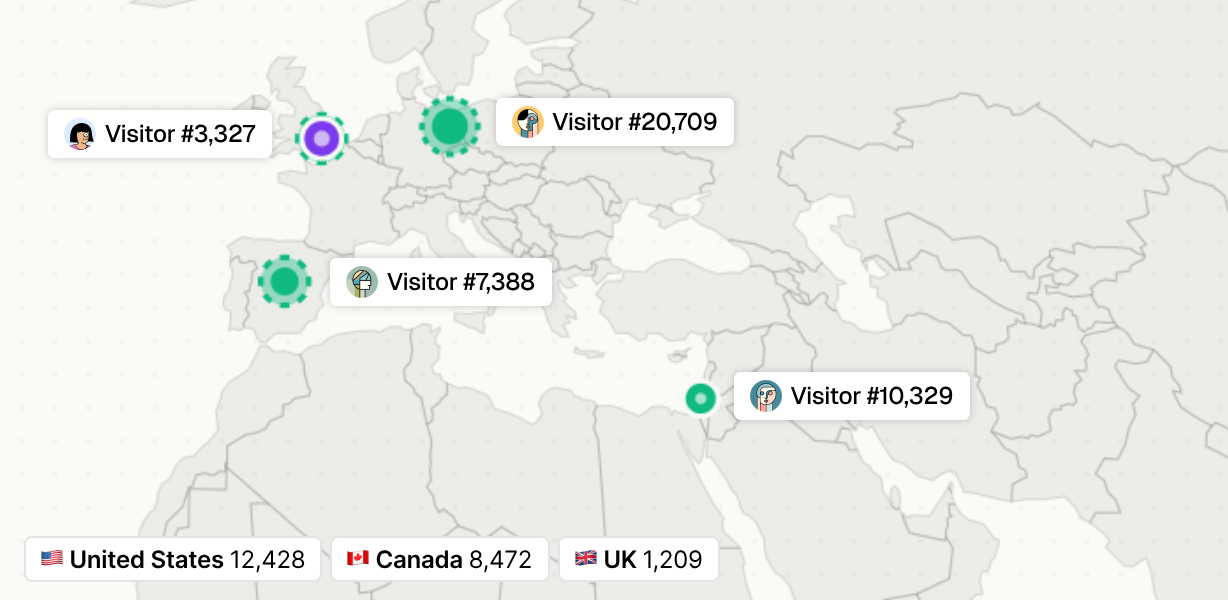
Get a live view of where your customers are viewing from, where they came from, as well as their intent analysis so you don't miss out on hot leads.
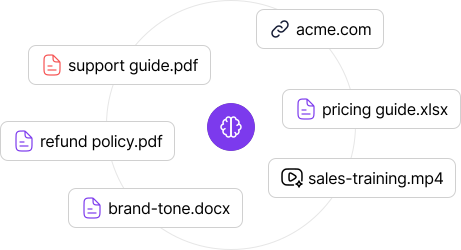
Upload your website, SOPs, docs, or any type of file and the agent will operate based on the knowledge provided.
Small teams clearing every support ticket - and turning visitors into customers - with an AI teammate alongside their humans.
We were drowning in 'where's my order' tickets every morning. KalTalk handles those before we even open the laptop and only pings us when it actually needs a human.
 Meir FahimaFounder, Crazyvendor.io
I run an AI-first company. Support used to be the one thing I couldn't automate away, until KalTalk. Now one person handles every escalation from anywhere, and customers never know the difference.
 Yahav FuchsFounder, reddgrow.ai
Annual saves two months. Start free, upgrade as you grow.
Enterprise on request.
Try KalTalk with live human chat
Unlock AI and email for growing teams
Everything in Starter +
For teams scaling their AI-powered support
Everything in Pro +
For high-volume, multi-brand operations
Everything in Team +
An AI chatbot for a website is a chat widget that answers visitor questions automatically. The older generation matched keywords against scripted flows; KalTalk's is an AI agent - it reads your docs and help center, understands the question however it is phrased, and writes a grounded answer with a citation to the source.
Paste one script snippet before the closing body tag - the same way you add analytics. Then point the agent at your docs URL or upload files, and it starts answering. The whole setup takes about five minutes, with no flows to build and no training phase. It works on any stack: plain HTML, WordPress, Next.js, Shopify, Webflow.
Yes - that is the default, not an add-on. Connect your help center, docs pages, or upload PDFs, and the agent answers only from that content, citing the source in each reply. When your docs change, the knowledge base updates and the answers follow. No generic internet answers and no invented policies.
KalTalk's Starter plan is free forever and includes the chat widget with 50 conversations a month and two team members - no credit card. Paid plans are flat per month, with the AI agent and resolutions included instead of a per-reply fee.
Live chat is your team answering in real time; an AI chatbot answers on its own. With KalTalk you do not choose - the agent resolves the routine questions instantly, and anything that needs judgment lands in the same shared inbox for your team, with the full conversation attached.
It says so and offers a human instead of guessing. The agent is confidence-gated: when your content does not cover the question, it refuses, offers a handoff, and your team picks up the thread with full context. That refusal behavior is what keeps wrong answers off your website.
Yes. The same agent, grounded in the same knowledge, answers on your website chat, email, and WhatsApp. Every conversation from every channel lands in one shared inbox.
The widget's colors, position, and greeting are customizable from the dashboard, so it reads as part of your site rather than a third-party box. It loads asynchronously and stays lightweight, so it does not drag your page speed down.
Free Starter plan. No credit card. One snippet, your docs connected, answering in 5 minutes.